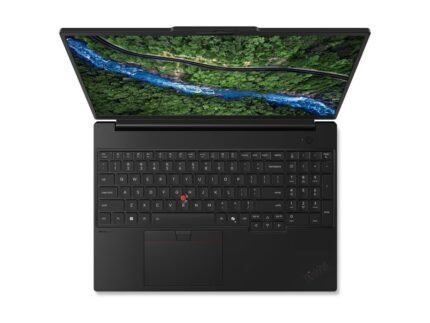
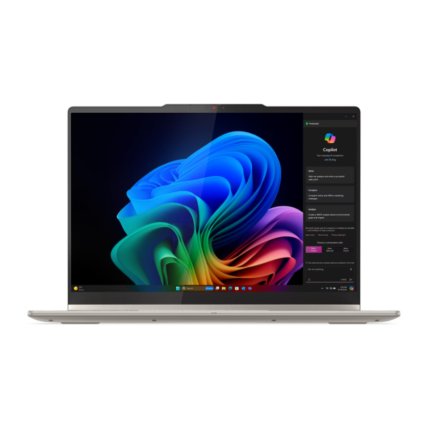
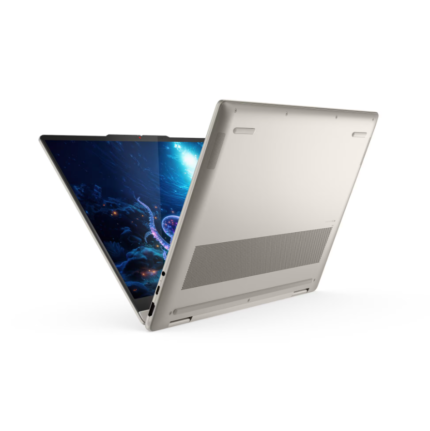
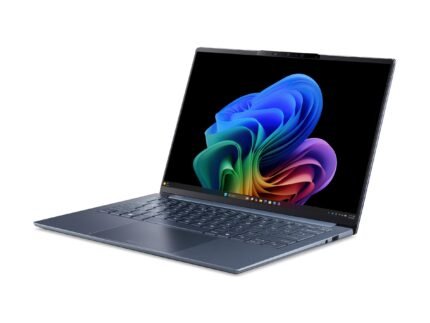
Laptops

A laptop can be meant for simple everyday tasks, studying, work, content creation or gaming, so the right model depends on how you plan to use it. When choosing, look beyond the processor name – RAM, SSD capacity, screen size and quality, graphics card, weight, battery life and the ports you need all matter.

For everyday use you usually don't need the most powerful configuration. For browsing, documents, video calls and similar tasks, a balanced processor, enough RAM and a fast SSD matter more. If you use more demanding software, edit video, do 3D design or want to play newer games, choose a more powerful processor and a model with a dedicated graphics card, such as NVIDIA GeForce RTX.

For most buyers, 16 GB RAM and a 512 GB SSD are a practical starting point, but it's not a universal rule. If you keep lots of files or use large applications, a 1 TB or larger SSD is more convenient. 32 GB RAM or more makes sense when you run many demanding programs at once or buy the laptop for more complex work.

Size matters too. A 14-inch model is easier to carry often, 15–15.6-inch laptops offer a good balance between portability and screen size, and a 16-inch or larger screen gives more room for apps, games and content. If you want a bigger picture at home or in the office, you can connect a separate monitor.

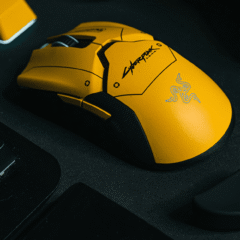
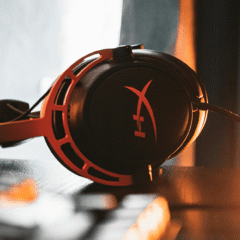
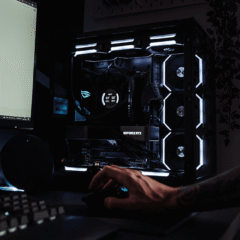
You can also pick a more comfortable mouse, keyboard ar headset. If portability isn't important and your priority is more performance, easier component upgrades or expanding the system later, it's worth comparing gaming PCs.

Show more
How to choose a laptop?

First decide what the laptop will be used for. For web browsing, documents, studying and everyday apps, a mid-range processor, 16 GB RAM and an SSD are usually enough. For more demanding software, video editing, 3D graphics or gaming, pay more attention to processor and graphics card performance.

It's also worth considering the screen, weight, battery and ports. For a laptop, portability can often matter more than maximum performance.

How much RAM and SSD storage do I need?

16 GB RAM is enough for most everyday tasks and is a good choice for an all-round laptop. 32 GB or more is worth it for demanding creative, engineering, programming or other memory-heavy software.

A 512 GB SSD is enough if you don't store many large files or games. If you want more space for apps, photos, videos or games, a 1 TB or larger SSD is the more practical choice.

Does a laptop need a dedicated graphics card?

Not everyone needs one. Integrated graphics are perfectly fine for browsing, documents, films, video calls and most other everyday tasks.

A dedicated graphics card is needed when graphics performance matters – for example for gaming, video editing, 3D graphics, CAD or other GPU-accelerated software. In those cases, look at models with NVIDIA GeForce RTX or other dedicated graphics.

What size laptop is best?

If you carry your laptop often, 13–14-inch models are usually more convenient thanks to their smaller size and weight. A 15–15.6-inch screen is an all-round option when you want a large enough screen while staying portable.

16-inch and larger models give more screen space and are especially suitable when the laptop mostly stays in one place. When choosing, consider not only the diagonal but also the resolution, panel type, brightness and refresh rate.

When should I choose a laptop and when a desktop PC?

A laptop is the better choice when portability matters and you want the computer, screen, keyboard and battery all in one device.

If the computer will almost always be used in one place, you want maximum performance, or you'd like to upgrade the graphics card, RAM, drives and other components more easily later, consider a gaming PC.